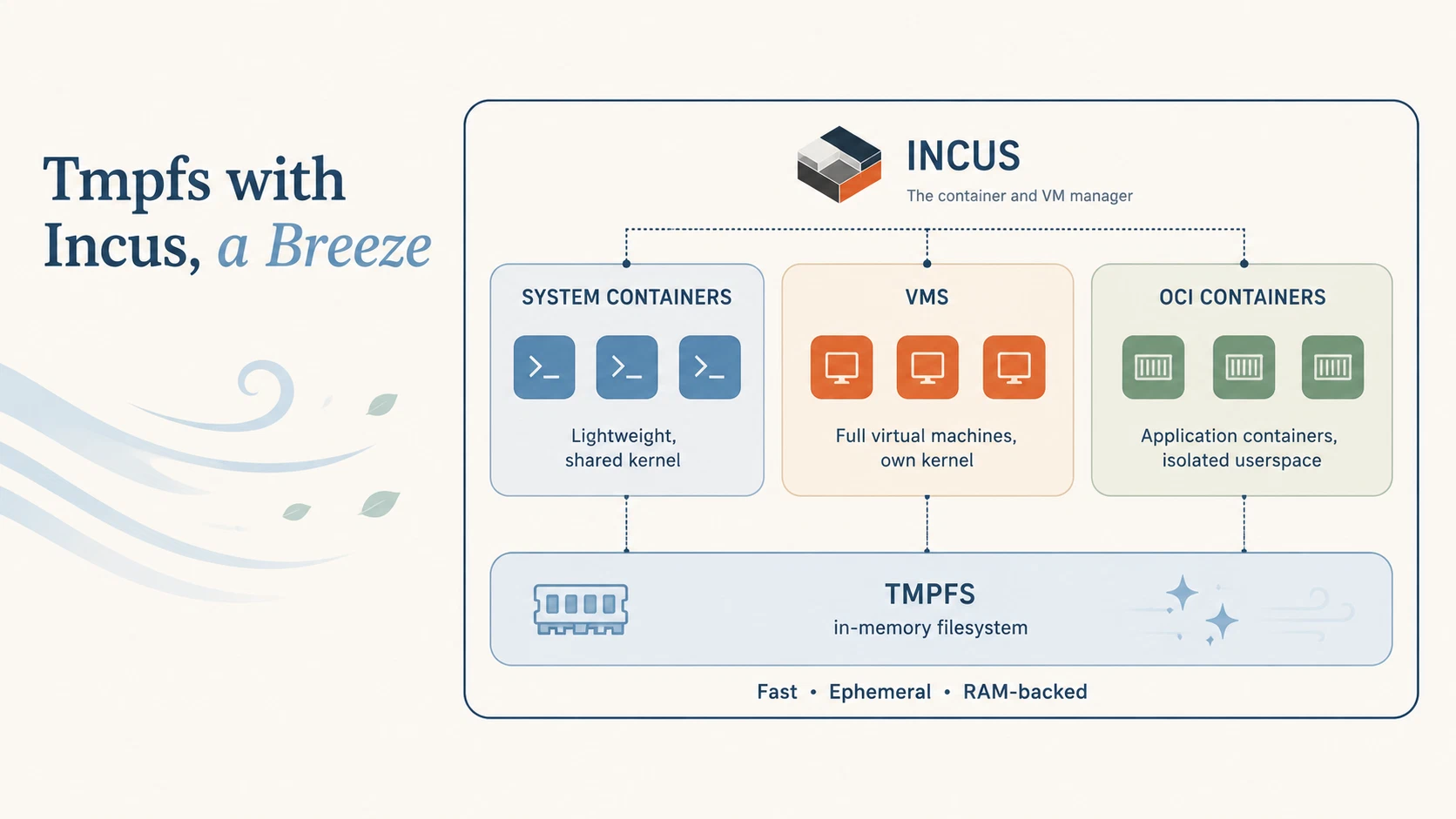
A storage pool in Incus is a driver and a source. There are several drivers: zfs, btrfs, lvm, ceph, dir. dir is the most boring one, a directory. And a directory is allowed to be a tmpfs mount.
mount -t tmpfs -o size=32g none /mnt/tmpfs
incus storage create tmpfs dir source=/mnt/tmpfs
From here on, every instance that starts on this pool lands in memory.
Create
incus launch images:debian/trixie runner --storage tmpfs
Back up
incus publish turns the instance into an image. If it’s still running, Incus demands --force. The aliases rotate the generations:
incus publish runner --alias runner-current --compression none --force
incus image delete runner-old || true
incus image alias rename runner runner-old || true
incus image alias rename runner-current runner
runner is now the last clean state, runner-old the one before.
dir has no real snapshots. publish rsyncs the rootfs live into a snapshot on the same pool and publishes that one. So the snapshot lands on the same tmpfs as the instance: a live backup needs roughly double the container size in RAM for the duration of the publish. Size the pool accordingly.
If you don’t have the room, stop it yourself first:
incus stop runner
incus publish runner --alias runner-current --compression none
incus start runner
Restore
Instance gone, image still there — one command:
incus launch runner runner --storage tmpfs
Back to the state before that:
incus launch runner-old runner --storage tmpfs
Delete
incus delete --force runner
All at Once
❯ incus launch docker.io:library/alpine:edge runner -s tmpfs
Launching runner

~
❯ incus publish runner --alias runner
Error: The instance is currently running. Use --force to have it stopped and restarted

~
❯ incus publish runner --alias runner --force
Instance published with fingerprint: e5337dc9f3751419f4720f64397e528801d53e57cb0ab5fd5769f84d6c8a6183

~
❯ incus rm -f runner

~
❯ incus launch runner runner
Launching runner

~
❯ incus console --show-log runner
/ #
Just the Database, If You Want
You don’t have to put the whole instance on tmpfs. A volume on the pool can be attached to a single instance as a device:
incus storage volume create tmpfs runner-db
incus config device add runner incusdb disk \
    pool=tmpfs source=runner-db path=/var/lib/incus/database
The rootfs stays where it was, only dqlite lands in RAM — probably the actual bottleneck of an Incus daemon.
In Practice
This is how I back up the runner for incus-compose’s CI. 23 minutes of CI became 8.
By René Jochum. License: CC-BY-4.0.